Guardrails and humans in the loop: how much freedom should an agent get?
Useful agents need room to act, and safe agents need limits. How to scope what an agent can touch, limit the damage of a mistake, and decide where a person should sign off.
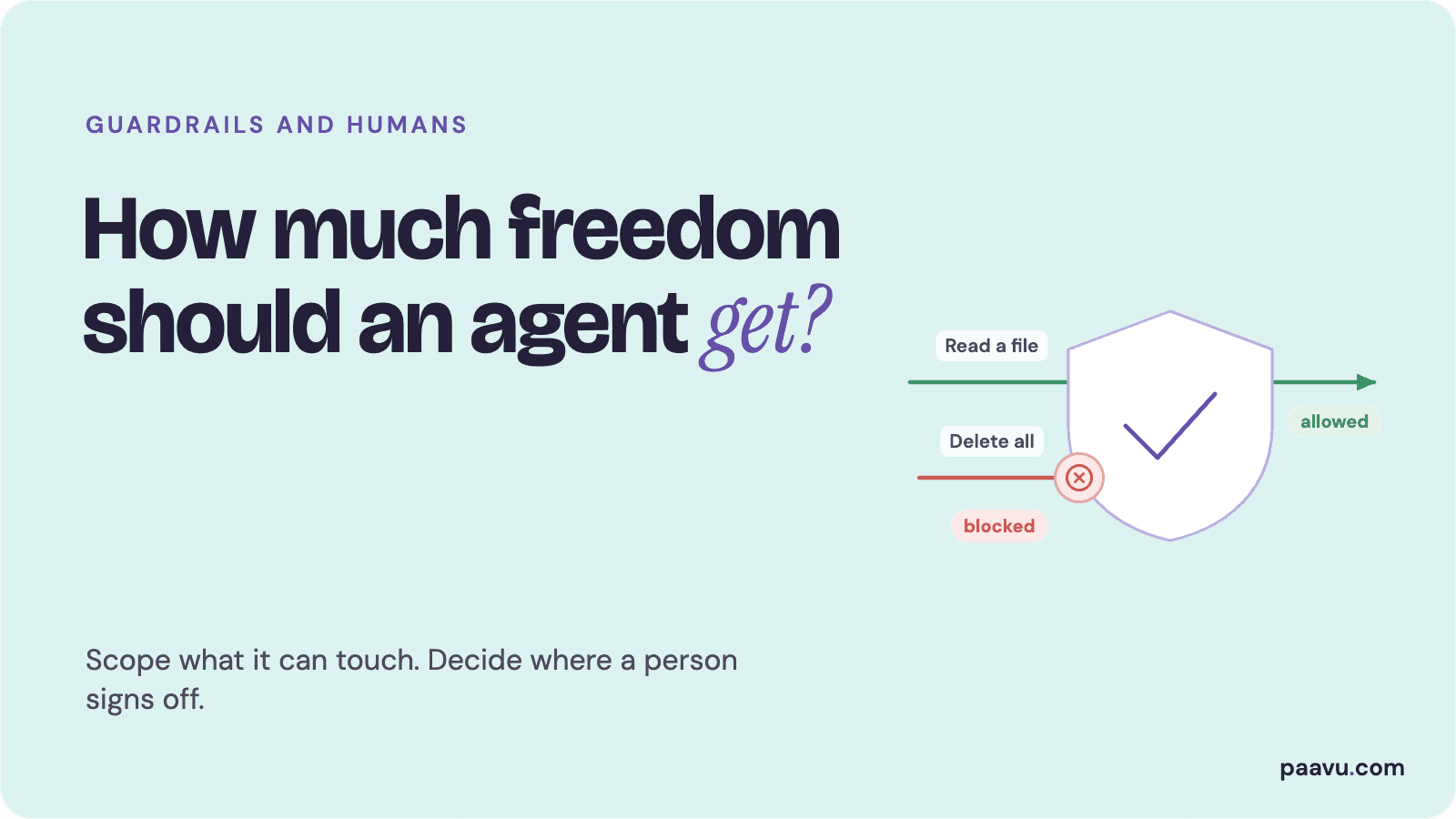
An agent that can do nothing is safe and useless. One that can do anything is useful until the day it deletes the wrong thing or emails the wrong person. The design question is how much freedom to give, and where.
Start with what it can touch
Give the agent only the tools the task needs, and within each tool only the access it needs. A reporting agent should read the database, not write to it. Narrow scope is the cheapest safety measure there is.
Three permission levels
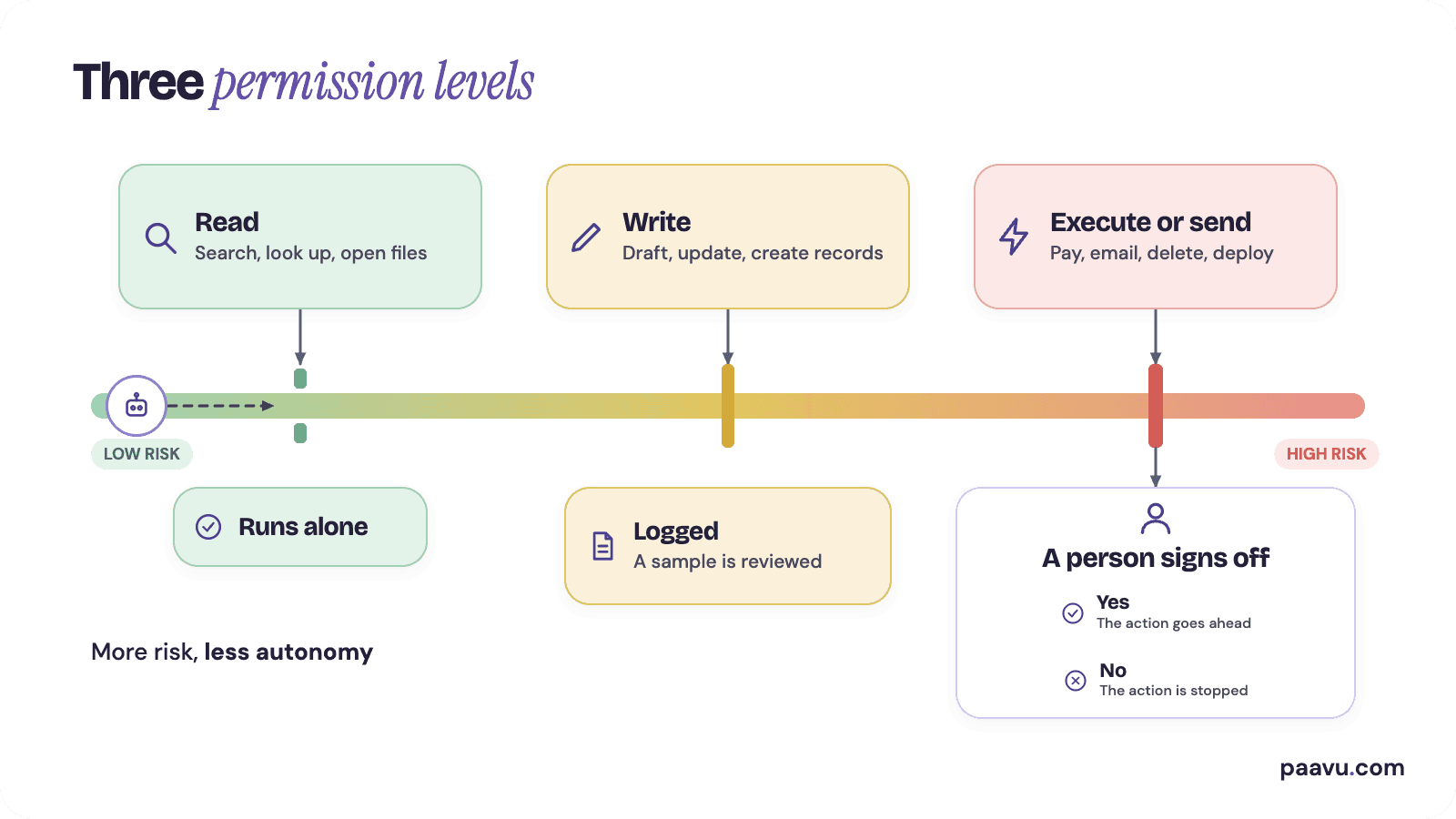
- Read. Looking things up carries little risk, so the agent can usually do this alone.
- Write. Creating or changing records is mostly reversible. Log every change and review a sample.
- Execute or send. Running code, sending email, moving money or deleting data is hard to undo. A person approves these first.
Limit the blast radius
Assume a mistake will eventually happen and decide in advance how far it can spread.
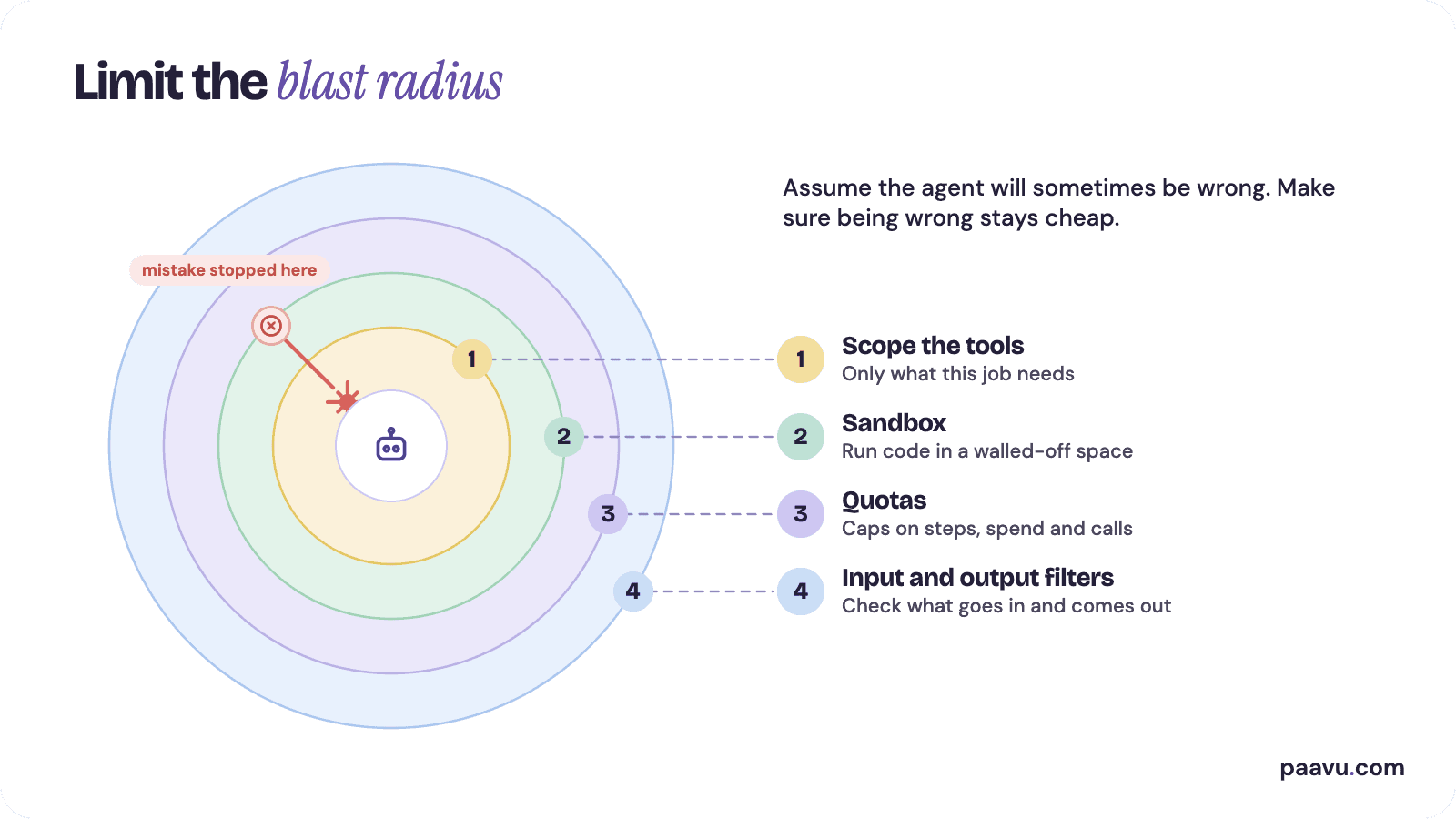
Run code in a sandbox, cap spend and volume with quotas, and filter what goes in and out for sensitive data and policy violations. If the worst case is a rejected request and not a customer-facing error, the design is working.
Where people belong
Human review is not a sign the agent failed. It is a decision about risk. Put a person in front of actions that are irreversible, expensive, or visible to customers, and let the agent run on its own where the cost of an error is low and easy to fix.
Two habits keep this honest. Make approval fast, with the context in front of the reviewer so they are not reconstructing the situation. And track how often approvals are changed: if people approve nearly everything, that step can probably be loosened, and if they keep correcting it, the agent needs work.
Guardrails sit inside the wider setup described in the harness post, and you can see where they fit in the ten skills overview.
If you want help with this on your own workflows, get in touch and we will look at it together.